
Your Mac
now plays
Windows games
Your Steam library has a new home. Play locally on your Mac, with all its power behind every frame.
 Hrava / game profile
Game profiles are included. Performance depends on your Mac and settings.
View compatibility“Baldur's Gate 3 runs flawlessly on my M1. I stopped dual-booting Windows entirely.”
“Set up in two minutes and my whole Steam library just showed up. No terminal, no drivers.”
“Cyberpunk on a Mac at a steady 60 fps felt impossible - Hrava made it one click.”
What are we playing?
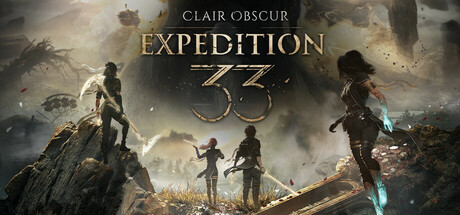 Check compatibility ↗Clair Obscur: Expedition 33For those who come after.
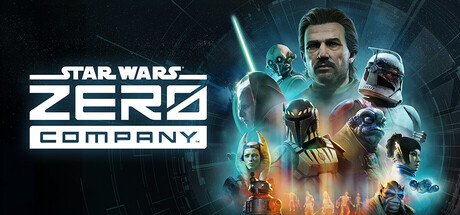 Check compatibility ↗Star Wars Zero CompanyYour squad. Your strategy.
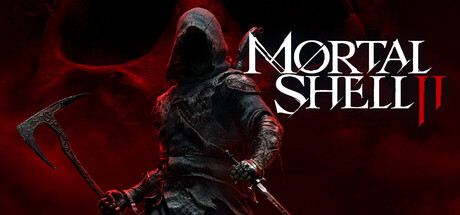 Check compatibility ↗Mortal Shell IIA new shell. A new fight.
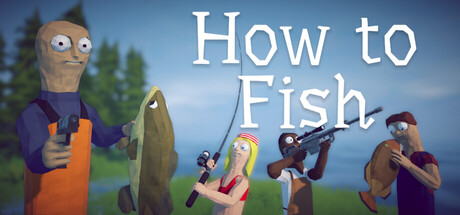 Check compatibility ↗How to FishJust one more catch.
 Check compatibility ↗Hogwarts LegacyTake the long way to class.
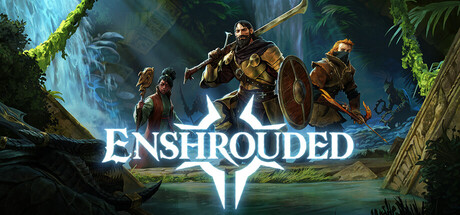 Check compatibility ↗EnshroudedBuild somewhere worth saving.
 Check compatibility ↗Skyrim Special EditionThere’s always another quest.
 Check compatibility ↗The Witcher 3: Wild HuntA contract can wait.
 Check compatibility ↗007 First LightEvery legend has a beginning.
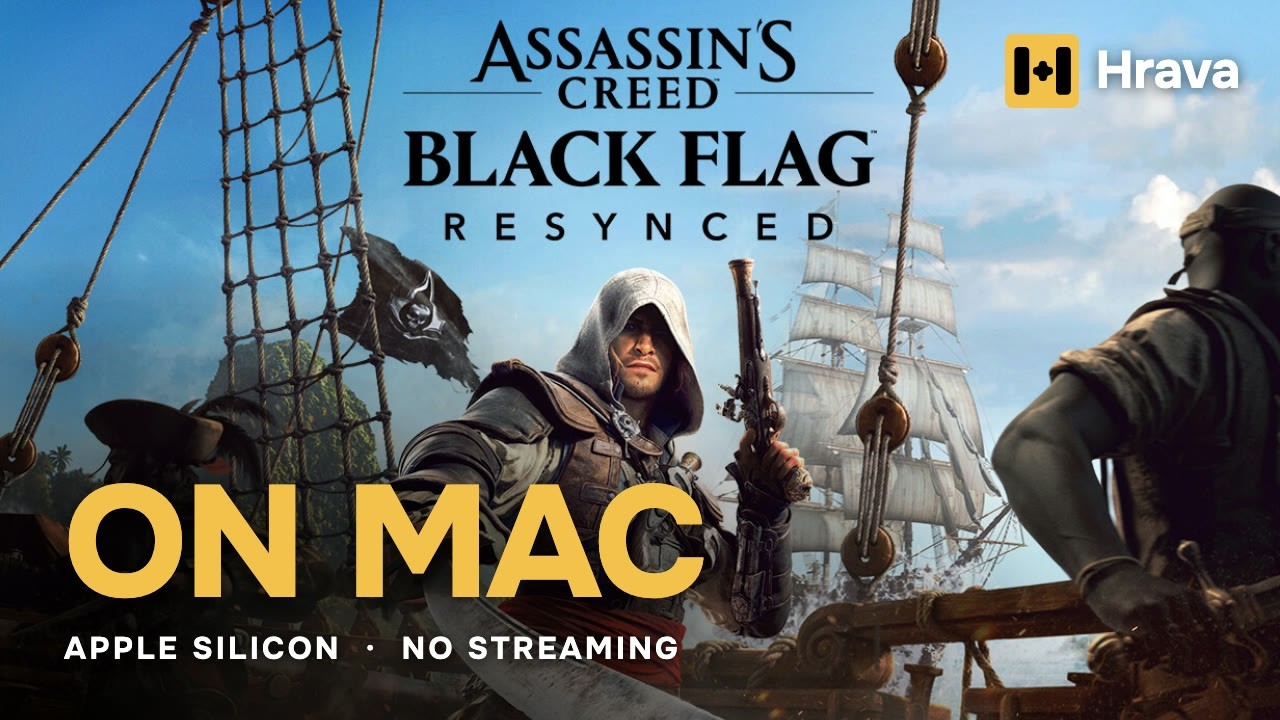 Check compatibility ↗Assassin's Creed Black Flag ResyncedThe pirate's life, resynced.
Select a game to check its profile and requirements. Game artwork belongs to its respective owners.
Less setting up.
More getting lost.
The games you love, together in one macOS app.
Steam, setup files and the next thing you discover.
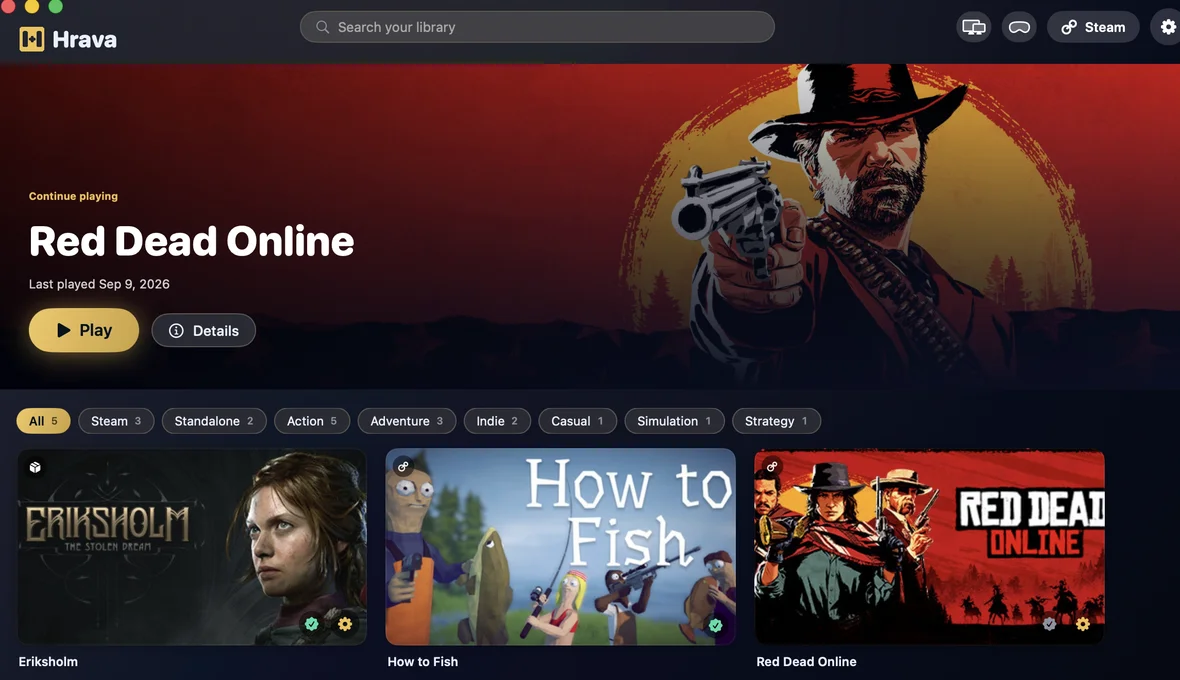
Your library, ready when you are.Actual app · 13-second tour
Different games.
The right engine.
Hrava chooses a graphics path for each game. Explore the technology that makes local play possible.
See all featuresD3DMetal
A DirectX 11 and 12 translation path to Metal for supported Windows games.
DirectX 11 / 12 → MetalThree steps. You're in.
- 01
Get Hrava.
Download the macOS app. Install it like any other app on your Mac.
- 02
Bring your library.
Sign in to Steam, or add a Windows game from its installer.
- 03
Press Play.
Hrava applies the game's profile. Your Mac takes it from here.
Buy it once.
Play on your terms.
No subscription. No cloud gaming meter. Just your Mac, your games, and a copy of Hrava that’s yours.
HravaOne-time purchaseYour copy. No subscription.
Get Hrava for MacTry it with the games you actually play.
Games purchased separately.
Is this cloud gaming?+
No. Your Mac runs the game locally through a compatibility layer. There is no streamed video, remote queue or cloud gaming subscription.
Will my Mac work?+
You need an Apple Silicon Mac (M1 or newer) running macOS 14 or later. Performance varies with the game, chip, memory and graphics settings.
Will my favourite game run?+
Use the search above to check the game's profile. Some games, especially multiplayer games with unsupported anti-cheat, may not work. A catalog entry is not a guarantee for every configuration.
Do I need to buy my games again?+
No. Bring games you already own on Steam, or install a game from its Windows setup file. Hrava itself does not include games.
Can I use my controller?+
Hrava supports gamepads including Xbox and PlayStation controllers. Available features depend on the game and controller.
What's included in the price?+
Every Hrava feature, future app updates and direct support. You pay once. A 14-day refund window lets you try the app with your own games.
Your next favourite game
might already be in your library.