
Your games, together
Bring your Steam collection or install a Windows game you own. Browse your library and open each game's settings from the same app. You keep your existing game accounts and purchases.
About us
Hrava brings Windows games to your Apple Silicon Mac in one straightforward app. Connect your Steam library or add a game installer, use a prepared game profile, and play on your own hardware. No cloud gaming subscription. No separate Windows installation.
Apple Silicon · macOS 14+ · Games purchased separately
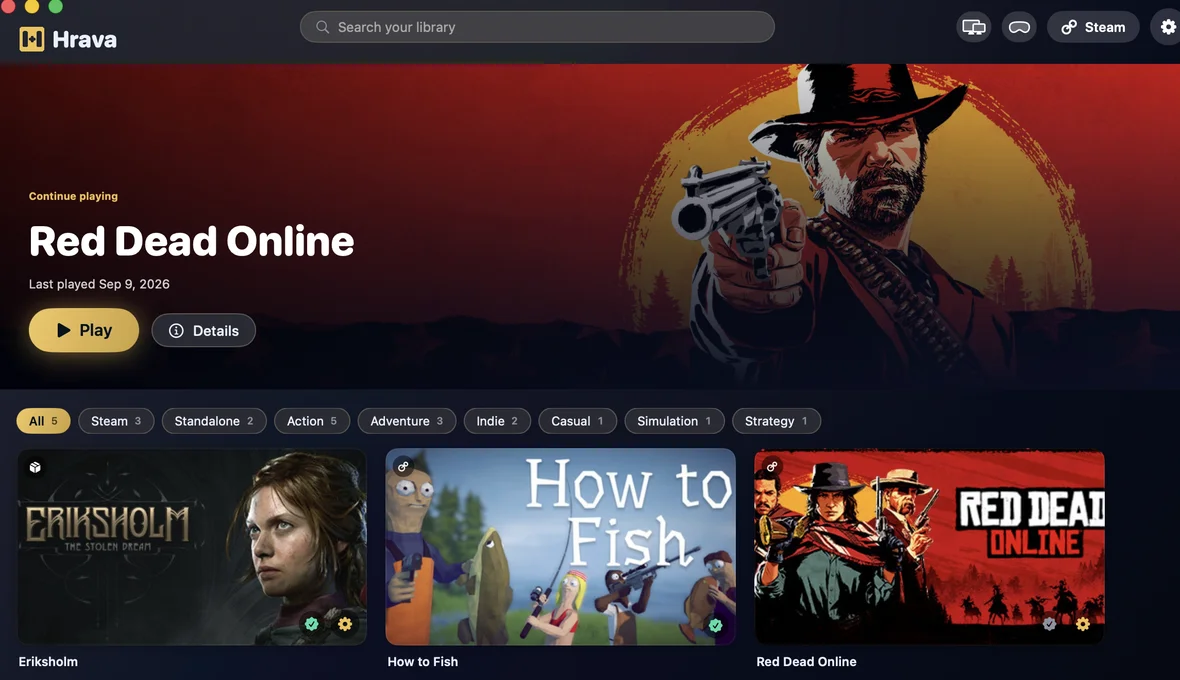
We believe choosing a Mac should not mean leaving your favourite games behind. Hrava is an independent project focused on making Windows gaming on macOS more approachable: less time configuring, more time playing, and clear guidance when a game needs extra care.
Bring your Steam collection or install a Windows game you own. Browse your library and open each game's settings from the same app. You keep your existing game accounts and purchases.
Game profiles recommend a graphics engine and settings for each title. Hrava uses DXMT, DXVK and vkd3d, plus Apple D3DMetal from Game Porting Toolkit that you install separately, so you do not have to begin every game with a blank configuration.
Adjust graphics and MetalFX upscaling where supported, use a controller, or save a restore point before experimenting. Available game translations and add-ons give you more ways to make the experience yours.
We regularly improve the app, its engines and game profiles as games, launchers and macOS evolve. Updates address real launch problems as well as everyday usability. All future app updates are included in your purchase.
From the changelog
Open-source licenses and corresponding source are now listed in the app.
Improved game launcher compatibility and launch reliability.
More reliable game launches when switching graphics settings.
We test new titles and prepare game-specific configurations. Explore these recent profiles for setup notes and gameplay footage, then check the requirements for your Mac.
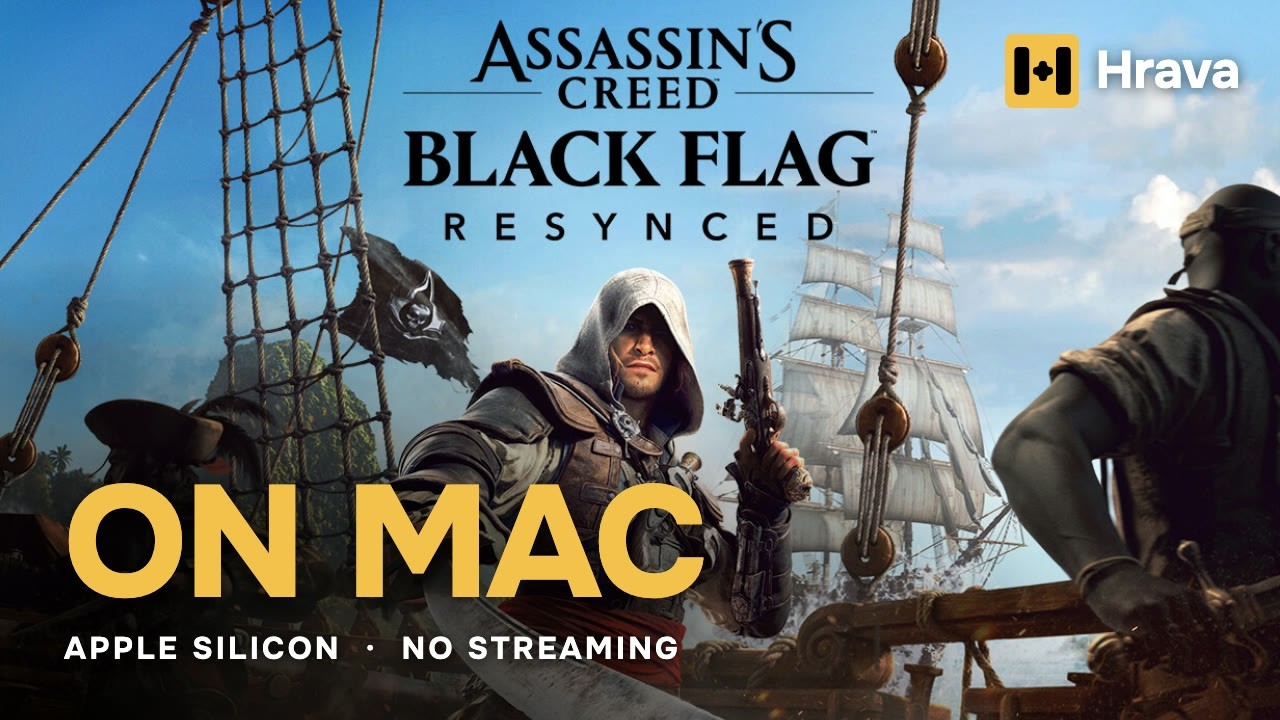 Assassin's Creed Black Flag ResyncedView game profile
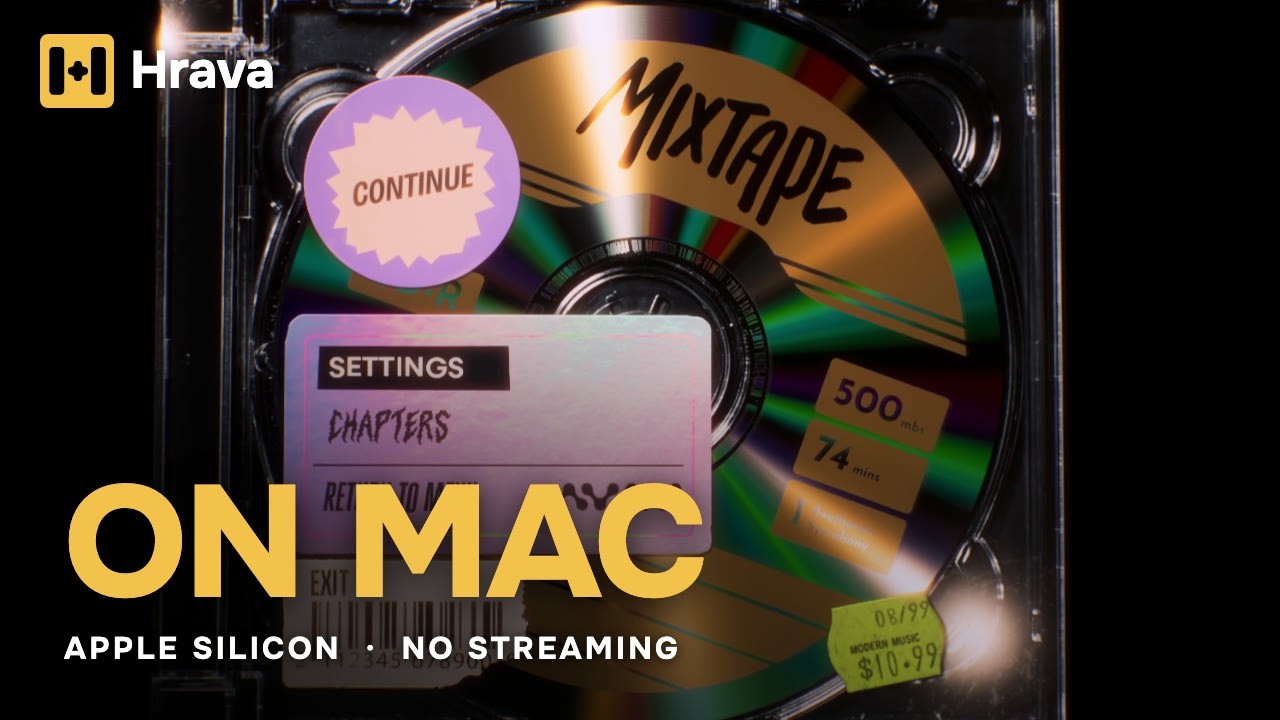 MixtapeView game profile
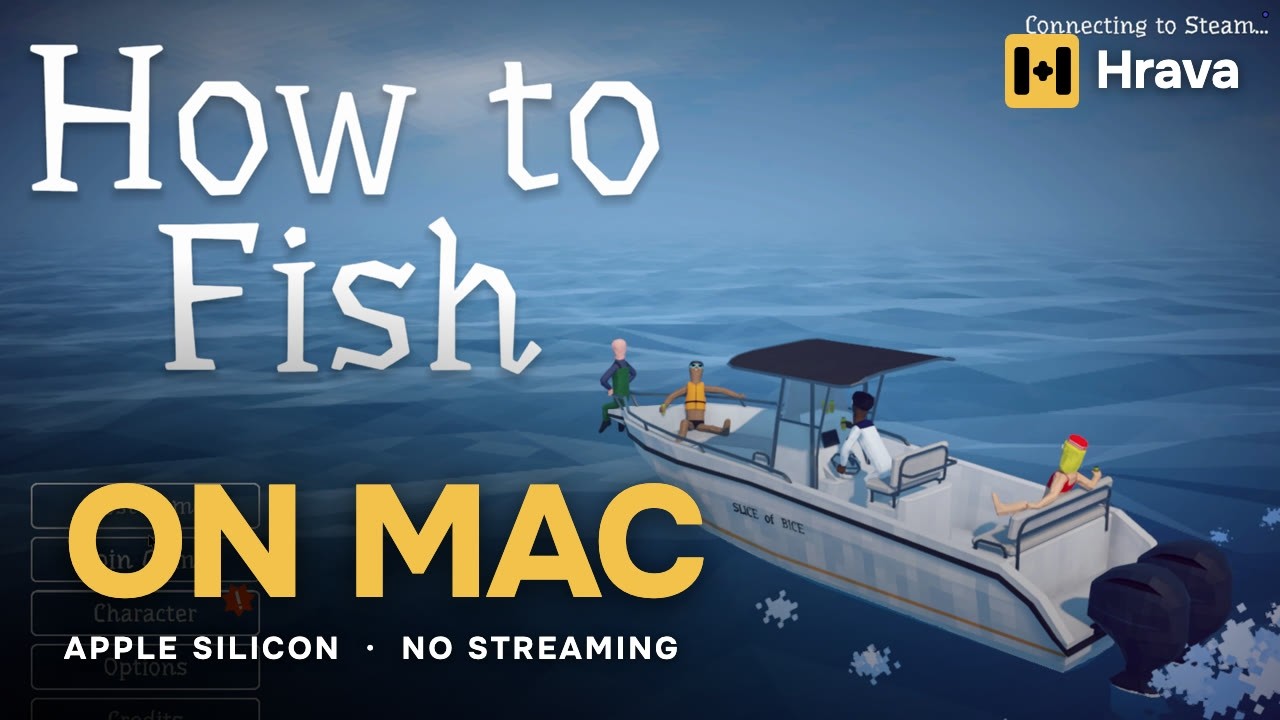 How to FishView game profile
Compatibility depends on your Mac, game version and settings. Some anti-cheat systems prevent games from launching. A catalog listing is not a guarantee that every game mode works.
Hrava runs games locally through a compatibility layer. That is a different approach from running a full Windows virtual machine or streaming from a remote PC. Compare the approaches, features and trade-offs before choosing what suits your games.
Have a question before buying, or a game that needs help? Contact us with your Mac model and game details. Your reports help us investigate compatibility and decide what to improve next.
One purchase. Every app feature and all future app updates. Check your games, then make Hrava part of your Mac.